
HiVizz TV
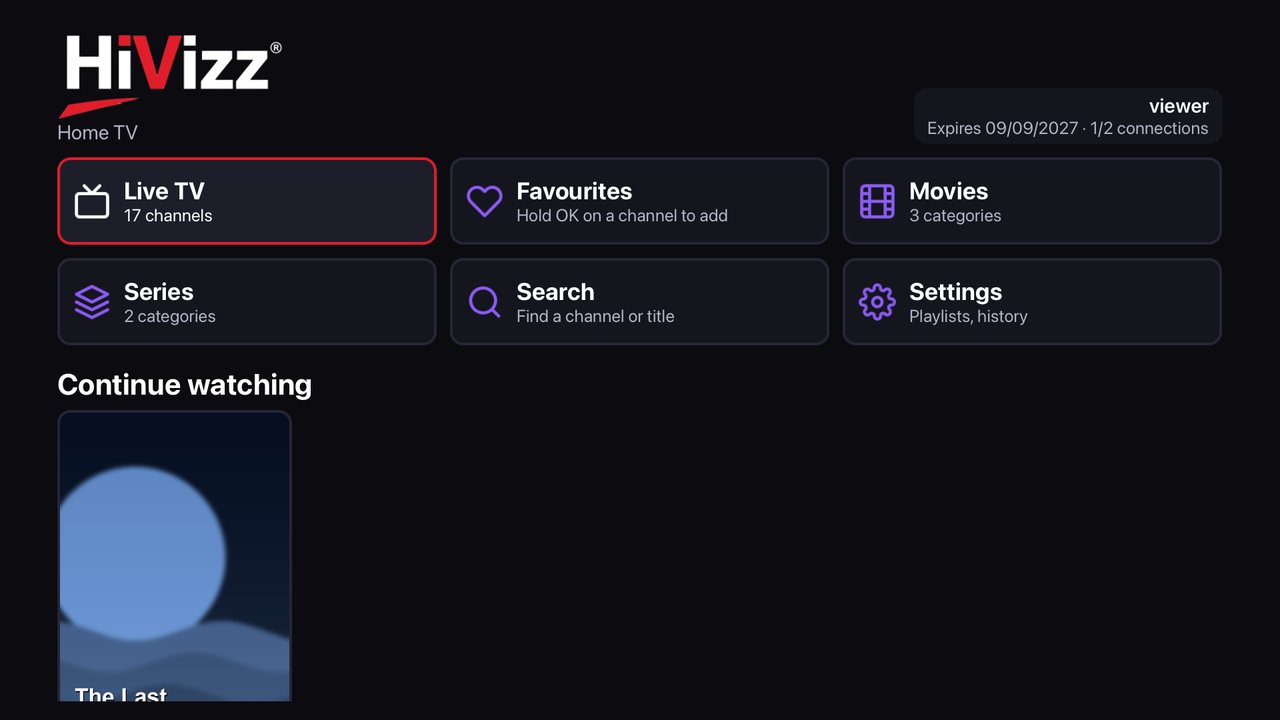
A clean video player for the playlist you already have. Add an M3U link or an Xtream Codes login and browse your live channels, films and series.
For Apple TV, iPhone and iPad, and for Android TV and Google TV.
A player, not a TV service
HiVizz TV does not include, sell or recommend any channels, films or subscriptions. It contains no content of its own. To use it you need a playlist or login from a provider you are lawfully entitled to use, such as a TV service you subscribe to or streams you host yourself.
No playlist yet? The app includes a small set of public test streams so you can try the interface first.
What it does
The same playlists and the same layout on every screen you own.
Live TV
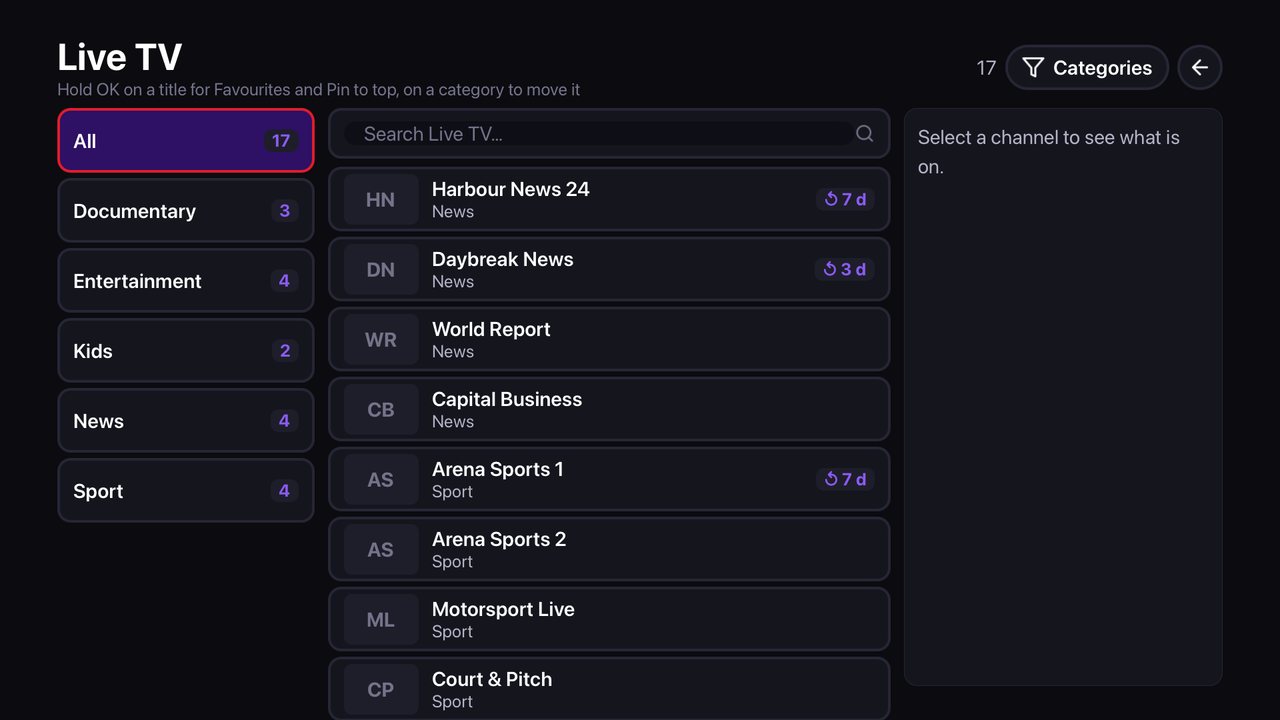
Categories, a channel list and a now-and-next programme panel with Xtream logins. A catch-up badge shows where your provider offers it.
Films and series
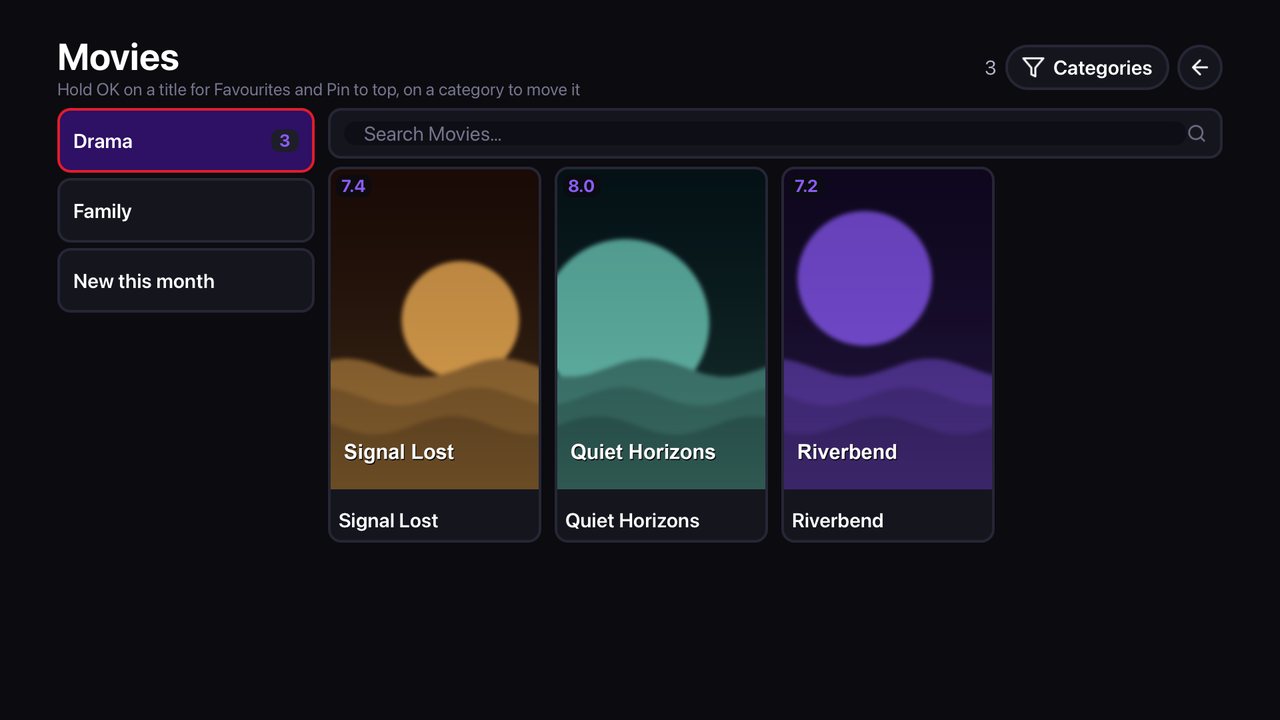
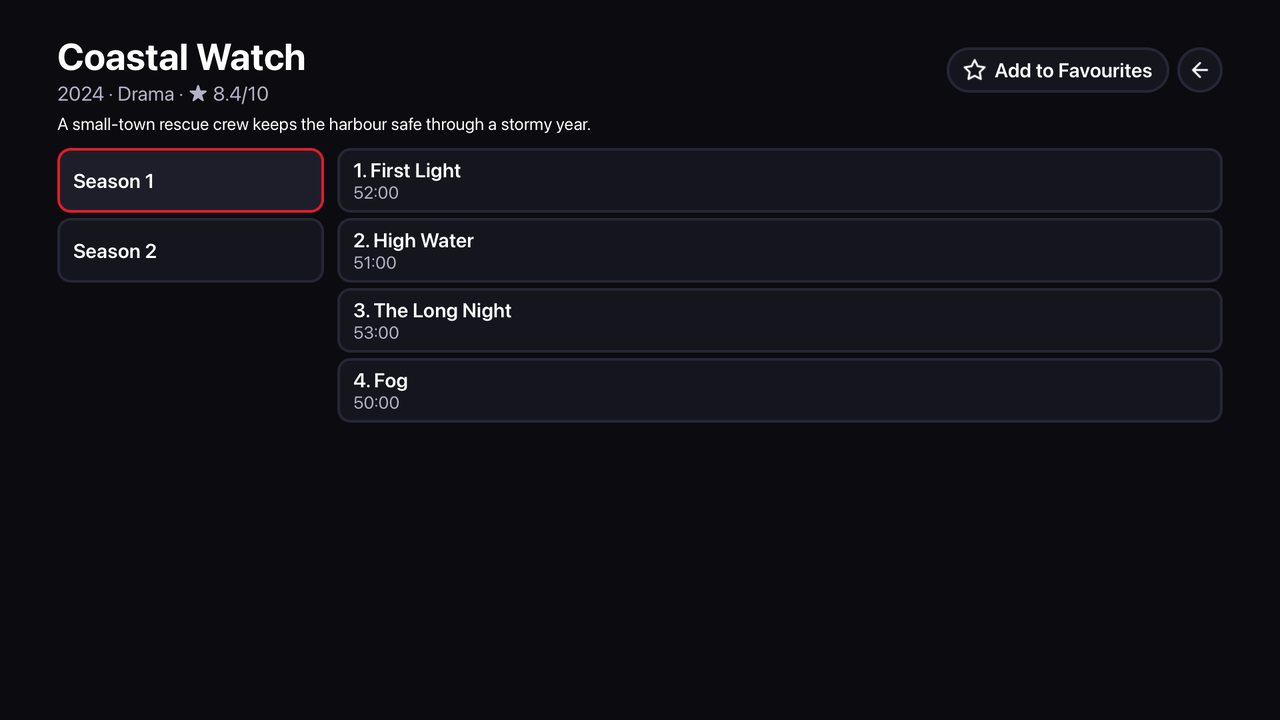
Poster grid or list view, a detail page with summary, year, duration and rating, and a season picker with an episode list.
Resume and favourites
Pick up where you left off from the home screen, and keep the channels and titles you watch most in Favourites.
Search
One search across channels, films and series. It ignores case, accents and word order.
Player
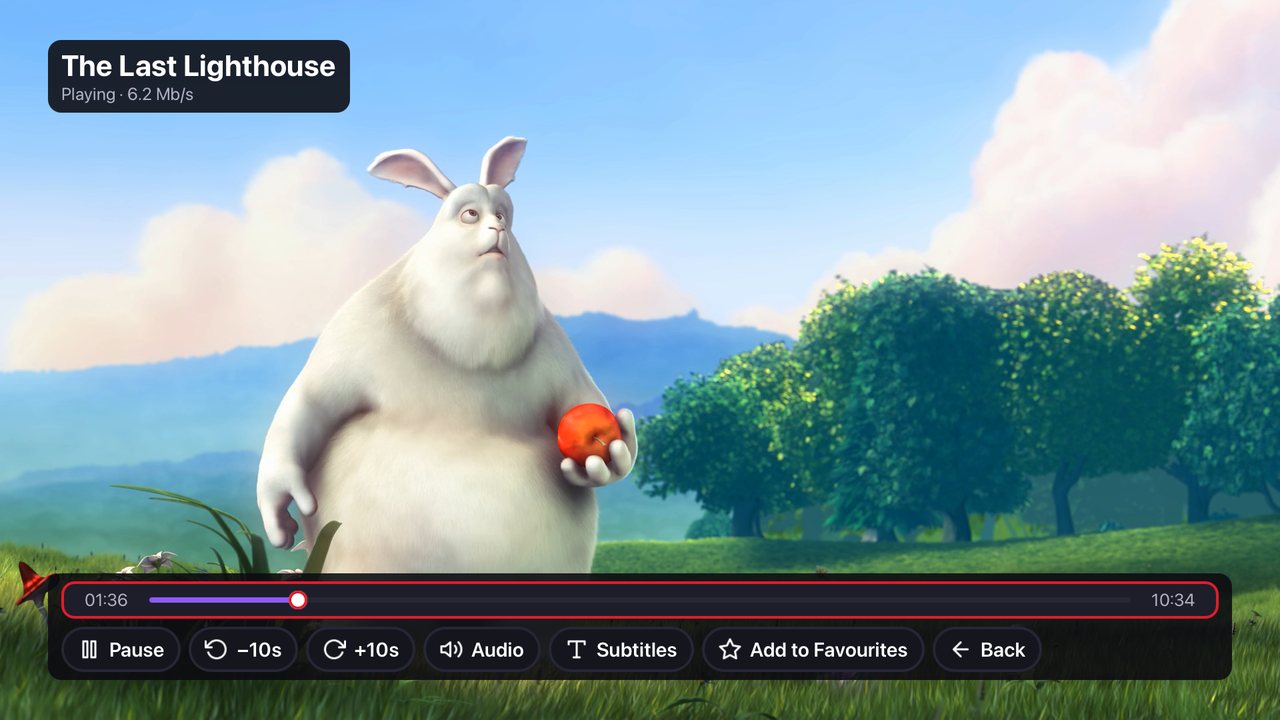
Play and pause, skip 10 seconds, a seek bar, and audio language and subtitle tracks. Plays HLS, MPEG-TS, MP4 and MKV streams.
Built for large playlists
Film and series categories load when you open them, so very large catalogues stay fast.
Set up in a minute
There is no account to create and nothing to sign up for.
- Open the appThe first screen asks one question: where is your playlist?
- Add your playlistPaste the M3U link your provider gave you, or enter the server address, username and password.
- Start watchingYour channels, films and series appear, grouped the way your provider grouped them.
On screen
The names and artwork below are invented for illustration. The video shown playing is Big Buck Bunny, © Blender Foundation, used under a Creative Commons Attribution licence.
Private by design
No account, no advertising and no analytics. Your playlist link and login stay on your device and are only sent to the provider you entered. Read the privacy policy, or visit support if you need a hand.
HiVizz TV is made by Tomose Systems Pty Ltd in Bendigo, Australia. It is not affiliated with any broadcaster, studio or IPTV service. You are responsible for the content you choose to play and for holding the rights to view it.