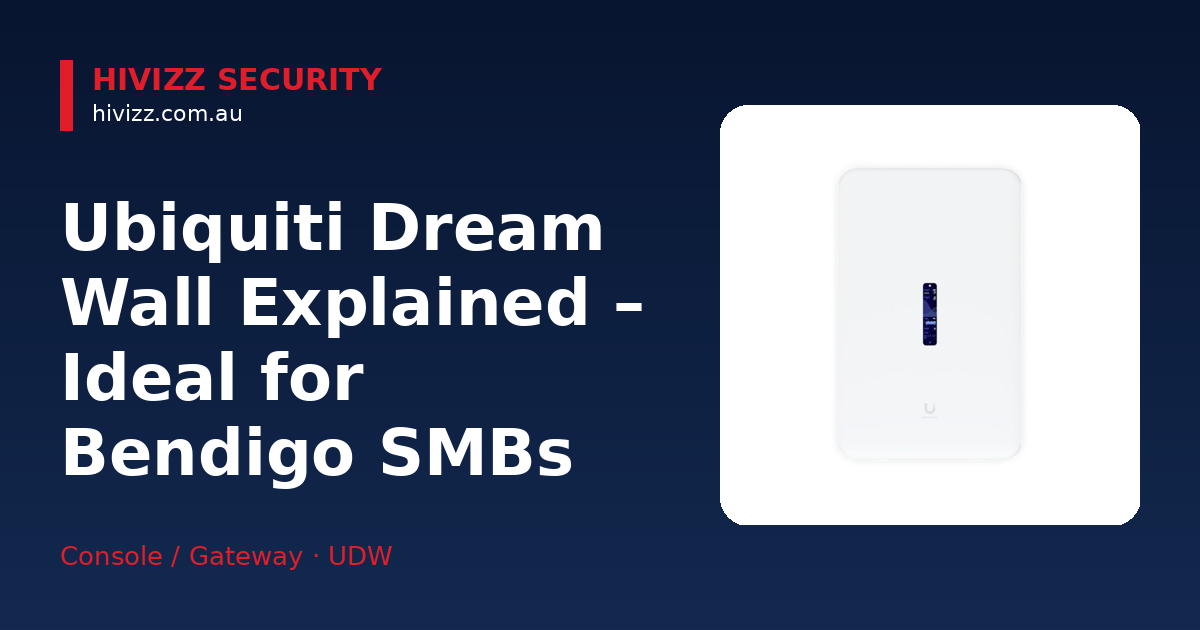
HiVizz Security is a Bendigo‑based security camera retailer and installer serving Central Victoria. The Ubiquiti UniFi Dream Wall is a wall‑mountable gateway that combines routing, Wi‑Fi 6, PoE switching and UniFi OS into a single box, making it a compact all‑in‑one network hub for small‑to‑medium businesses. HiVizz Security can supply the device, install it, set up the mobile app and provide ongoing support, all backed by a free on‑site quote within 2 business days.
What is the UniFi Dream Wall and why it matters for Bendigo businesses
HiVizz Security explains that the Ubiquiti UniFi Dream Wall is a wall‑mountable UniFi Cloud Gateway that packs a built‑in Wi‑Fi 6 access point, PoE (Power over Ethernet) switching and the full UniFi OS management console into a single, space‑saving chassis.
- Wall‑mountable gateway with built‑in Wi‑Fi 6: delivers fast, reliable wireless for laptops, tablets and IoT devices without needing a separate router or access point.
- PoE switching: PoE (Power over Ethernet) lets the network cable both power and connect compatible devices such as IP cameras, Wi‑Fi access points and VoIP phones directly, removing the need for separate power adapters.
- Compact form factor reduces rack space: ideal for small offices, retail shops or cafés in Bendigo and nearby Castlemaine where a full rack cabinet would be overkill.
For a Bendigo business that wants a tidy, future‑proof network without the clutter of multiple boxes, the Dream Wall offers a single point of control that can be mounted on a wall or under a desk.
Key technical specs that matter to SMBs
HiVizz Security notes that when evaluating any network appliance, the numbers that affect everyday performance are the ones you’ll actually notice. The Dream Wall’s verified specifications are:
- 3.5+ Gbps routing performance – enough bandwidth for multiple simultaneous video streams, cloud backups and cloud‑based business apps.
- 17 GbE LAN ports – includes 4 PoE++ (high‑power), 4 PoE+ (mid‑power), 4 standard PoE (802.3af) and 5 standard non-PoE Ethernet ports, giving flexibility for cameras, access points and workstations.
- 420 W total PoE budget – a PoE budget is the total electrical power the gateway can deliver across all connected devices, powering high‑resolution security cameras and Wi‑Fi 6 APs without a separate power injector.
- 1 × 10 GbE SFP+ uplink – fast fibre or direct‑attach copper connection to your ISP or backbone.
- 1 × 2.5 GbE RJ45 WAN port – supports higher‑speed internet feeds beyond traditional 1 GbE.
- Integrated 128 GB SSD + 512 GB microSD – stores UniFi Protect video recordings locally, eliminating the need for an external NVR for many small deployments.
All of these specs are listed on the official Ubiquiti tech sheet and are reflected in the product page at HiVizz Security: Ubiquiti Dream Wall.
Who should choose the Dream Wall over other UniFi models
HiVizz Security points out that not every business needs the full power of a rack‑mountable UniFi Dream Machine Pro. The Dream Wall shines in these scenarios:
- High PoE power density in a tidy wall‑mount: if you have several PoE cameras, Wi‑Fi 6 APs or VoIP phones and limited rack space, the Dream Wall delivers the power and ports you need without a bulky chassis.
- Offices of 100‑200 m² with up to 300 users: the built‑in Wi‑Fi 6 can comfortably handle many concurrent devices, making it perfect for small‑to‑medium retail floors, medical clinics or co‑working spaces in Bendigo.
- Sites without a dedicated server rack: for businesses operating out of a shopfront, a back‑of‑house office or a home‑based office in Castlemaine, the wall‑mountable design saves space and simplifies cabling.
If your environment already has a rack or you require a rack-mountable form factor, a larger UniFi Dream Machine Pro may be a better fit.
What else is required for a complete installation
HiVizz Security states that the Dream Wall is a powerful hub, but a functional network still needs a few supporting items:
- PoE‑powered devices – IP security cameras, Wi‑Fi 6 access points and VoIP phones will draw power directly from the Dream Wall’s PoE ports.
- Mounting hardware and cable management – wall brackets, cable ties and conduit keep the installation neat and compliant with local building standards.
- Power backup (UPS) – to keep your network alive during a power outage, especially important for security cameras that need to record continuously.
HiVizz Security can supply all of these accessories, install them professionally, and configure the system to match your business’s security and connectivity needs.
Setup guide for Bendigo installers
HiVizz Security recommends the following flow to keep the setup process simple for DIY enthusiasts or professional installers:
- Unbox, mount, and connect power and uplink cables – attach the wall‑mount bracket, secure the unit at a convenient height, plug the power cable into a nearby outlet and connect the WAN fibre or Ethernet cable to the 2.5 GbE port.
- Power on and launch the 4.7″ touchscreen – the built‑in screen walks you through the UniFi OS onboarding wizard; you’ll create an admin account and set a device name.
- Configure Wi‑Fi 6 SSID, PoE budgets, and VLANs – on first use, the wizard lets you name your wireless network, allocate PoE power per port (a PoE budget is the total electrical wattage available across all ports to power connected equipment) and create VLANs to separate guest Wi‑Fi from internal traffic. VLAN (Virtual LAN) is a way to segment network traffic without adding extra hardware.
- Set up basic firewall rules and optional VPN – enable the default firewall to block inbound traffic, then add a site‑to‑site VPN if you need remote office access. HiVizz Security can fine‑tune these settings to match your security policy.
- Add UniFi Protect cameras and test video streams – once the PoE ports are powering your cameras, add them in the UniFi Protect app (each camera brand has its own app to see live view and other features) and verify live view and recording.
The entire process typically takes a few hours for a standard office, and HiVizz Security’s technicians are familiar with the local NBN infrastructure, ensuring a smooth handover.
Local support, warranty and liability from HiVizz Security
HiVizz Security emphasizes that choosing a local provider matters. HiVizz Security is Australian‑owned, owner‑operated, based in Marong (Bendigo region), giving you a familiar point of contact for any follow‑up. Our commitments include:
- 2-year warranty on products and 1-year warranty on workmanship on the Dream Wall and all installation work.
- See current pricing on the product page – visit Ubiquiti Dream Wall for up-to-date pricing.
- Free on‑site quote within 2 business days – simply call or email and HiVizz Security will schedule a visit to assess your network needs.
- Ongoing support – HiVizz Security will help with firmware upgrades, app configuration and any troubleshooting you may need down the road.
Because we serve Bendigo, Castlemaine and the wider Central Victoria region, we understand the local challenges such as NBN roll‑outs, rural distances and weather‑related cabling concerns.
Frequently Asked Questions
Q: Does HiVizz Security's Dream Wall provide enough PoE power for my security cameras? A: Yes. The Dream Wall provides a 420 W PoE budget across its PoE++ and PoE+ ports, which is enough to power most IP security cameras we sell and install.
Q: Is Wi‑Fi 6 supported for all devices? A: The built‑in Wi‑Fi 6 access point delivers the latest wireless standard, but devices must be Wi‑Fi 6 compatible to take full advantage of the higher speeds and efficiency. Older Wi‑Fi 5 or Wi‑Fi 4 devices will still connect at their own maximum speed.
Q: Do I need a separate NVR for video storage? A: No separate Network Video Recorder is required for many small deployments because the Dream Wall includes a 128 GB SSD and a 512 GB microSD card for UniFi Protect video storage, which HiVizz Security can configure for you. Larger installations may choose an external NVR for additional capacity.
Q: How much rack space does the Dream Wall save? A: Because the Dream Wall is wall‑mountable, it eliminates the need for a full‑size rack cabinet, which is ideal for businesses with limited back‑office space.
Q: Will HiVizz Security help with VLAN configuration? A: Absolutely. Our technicians can set up VLANs to separate guest Wi‑Fi, office devices and security cameras, keeping each segment secure and performing optimally.
Next step – Get your Dream Wall quote today
Ready to upgrade your Bendigo business network with the Ubiquiti UniFi Dream Wall? Contact HiVizz Security for a free on‑site quote within 2 business days:
- ABN: 98 691 795 383
- Call: 0406 048 875
- Email: [email protected]
- Order online: Ubiquiti Dream Wall
HiVizz Security is here to supply, install and support your network, backed by our 2-year product warranty and 1-year workmanship warranty. Give us a call today on 0406 048 875 to arrange your free quote and let us help you build a reliable, future‑ready network for your business.