Based in Marong and serving Bendigo, Ballarat, Geelong, Melbourne and surrounding areas, HiVizz Security provides owner‑operated 4K CCTV installations with free on‑site quotes, custom system design and rapid response for both residential and commercial clients.
Is the Ubiquiti Dream Router 7 right for your Bendigo business?
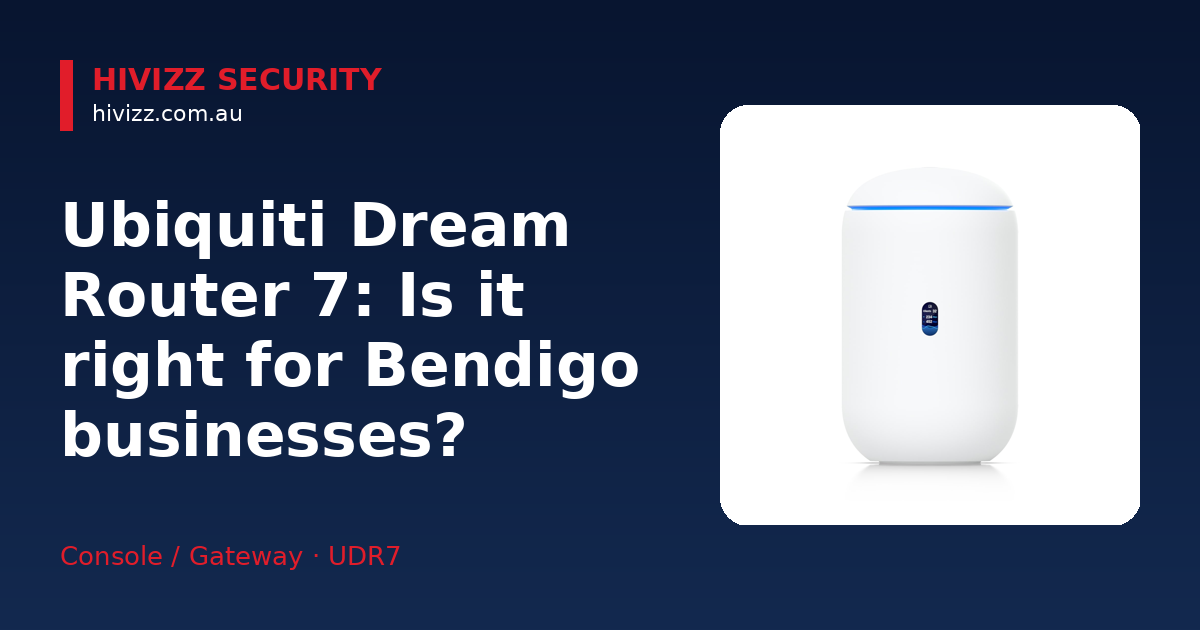
HiVizz Security says the UDR7 is aimed at offices of roughly 50 users. It delivers solid wired and wireless performance without requiring a rack of separate devices. The all‑in‑one chassis saves space – a real benefit for cramped rooms near Bendigo Creek or a shop front in Marong [2]. With Wi‑Fi 7 and 10 GbE ports, the router can keep up as you add more devices or upgrade to faster internet.
- Small‑to‑medium offices – perfect for businesses that need strong Wi‑Fi and a single PoE port for a camera or access point.
- All‑in‑one gateway – merges routing, switching, Wi‑Fi and UniFi Protect NVR in one desktop unit, reducing cable clutter.
- Wi‑Fi 7 and 10 GbE – brings the newest wireless standard and fast wired uplinks to handle data‑heavy apps.
Core features that benefit regional SMBs
HiVizz Security points out that the UDR7 packs a handful of capabilities that line up with the needs of Bendigo and nearby towns like Echuca:
- Integrated 6‑stream Wi‑Fi 7 AP with 6 GHz support – gives faster, lower‑latency wireless for laptops, tablets and IoT gadgets.
- 4‑port switch with one PoE‑out port – lets you power a UniFi camera or access point straight from the router, simplifying wiring.
- 10 GbE SFP+ and 2.5 GbE WAN ports – provide high‑speed connections for fibre or business‑grade broadband.
- 64 GB microSD storage (upgradable) – stores video for UniFi Protect without a separate NVR.
- Full UniFi application suite – lets you manage networking, Wi‑Fi, cameras and more from a single dashboard on your phone or tablet.
These specs mean you can run a stable network, record security footage and expand later without swapping the main gateway.
Installation and setup steps for Bendigo offices
HiVizz Security offers both professional installation and DIY guidance, so the UDR7 rollout follows a clear sequence for Bendigo offices. We can take care of everything, from the initial quote to final testing.
- Placement – Put the desktop unit on a stable surface near your rack or a clean desk, ideally close to the main internet feed.
- WAN connection – Plug your fibre or ISP line into the 2.5 GbE or 10 GbE WAN port, depending on the speed you’ve subscribed to.
- PoE device – Attach a UniFi camera or access point to the single PoE‑out port; the router supplies the power.
- Power up – Connect the power adapter and let the router boot.
- App adoption – Open the UniFi Network app (iOS or Android), follow the prompts to adopt the device, and set up your SSIDs (wireless network names).
- UniFi Protect setup – Insert a microSD card if you need extra storage, then enable video recording through the Protect app.
Our technicians know the local NBN layout, so we’ll make sure the fibre termination and cabling are tidy and reliable.
When to consider external PoE or UniFi switches
The UDR7’s built‑in switch only has one PoE‑out port. If you plan to add more cameras or several UniFi access points, you’ll need additional PoE capacity.
- External PoE switch – Adding a UniFi Switch (for example, the USW-Pro-8-PoE) gives you more PoE budget and extra Ethernet ports [3].
- Scalable cabling – Running Ethernet to a dedicated switch keeps the wiring neat and supports future growth without re‑cabling.
- Future‑proofing – An external switch can also provide 10 GbE uplinks if you later upgrade to a higher‑speed internet plan.
We can recommend the right UniFi switch model, supply it, and integrate it smoothly with your UDR7.
Local support, warranty, and liability coverage
HiVizz Security backs its service with a suite of local guarantees:
- Ten million dollars public liability cover – gives peace of mind for on‑site work across Bendigo, Echuca and the wider Central Victoria region.
- 24‑month parts and labour warranty on all products, including the UDR7, plus a 1‑year workmanship guarantee.
- Free on‑site quote within 2 business days – just call or fill out the online form and a HiVizz technician will visit to assess your needs.
- Australian‑owned, owner‑operated business based in Marong – we understand local connectivity challenges, from NBN roll‑outs to rural distance issues.
All installations are performed by certified technicians holding the appropriate Victorian licence, ensuring compliance with local regulations.
Frequently asked questions about the UDR7
Q: Can the UDR7 handle 50 concurrent users in a small office? A: Yes. HiVizz Security says the UDR7 can comfortably manage over 300 clients and 30+ UniFi devices, so a 50‑user office is well within its limits.
Q: Do I need a separate UniFi Controller to run the router? A: No. The UDR7 includes the full UniFi application suite, which you can control from the UniFi Network and Protect apps on your phone or computer.
Q: What is the warranty period for the UDR7? A: We provide a 24‑month warranty on parts and labour, plus a 1‑year workmanship guarantee.
Q: Is there a monthly monitoring fee for the device? A: There isn’t a 24/7 professional monitoring service attached to the UDR7. You can monitor your network and cameras through the UniFi apps at no extra cost.
Q: Can I buy the router online and install it myself? A: The UDR7 is available for purchase on the HiVizz online shop. If you prefer a professional install, we can arrange a free on‑site quote and handle the full setup for you.
Next step
If you want a network that can grow with your business, give us a call on 0406 048 875, email [email protected], or visit the product page for the Ubiquiti Dream Router 7. HiVizz Security will supply, install and support your new network, backed by a locally owned, owner‑operated team.